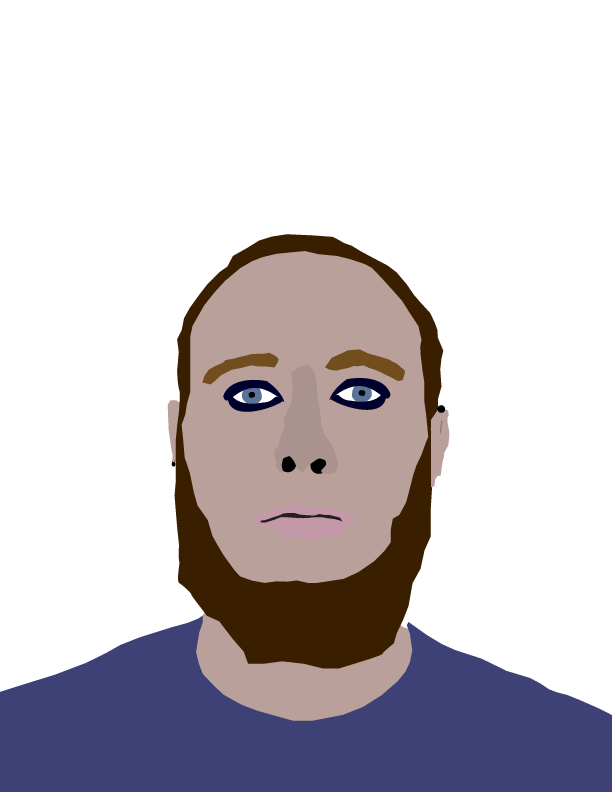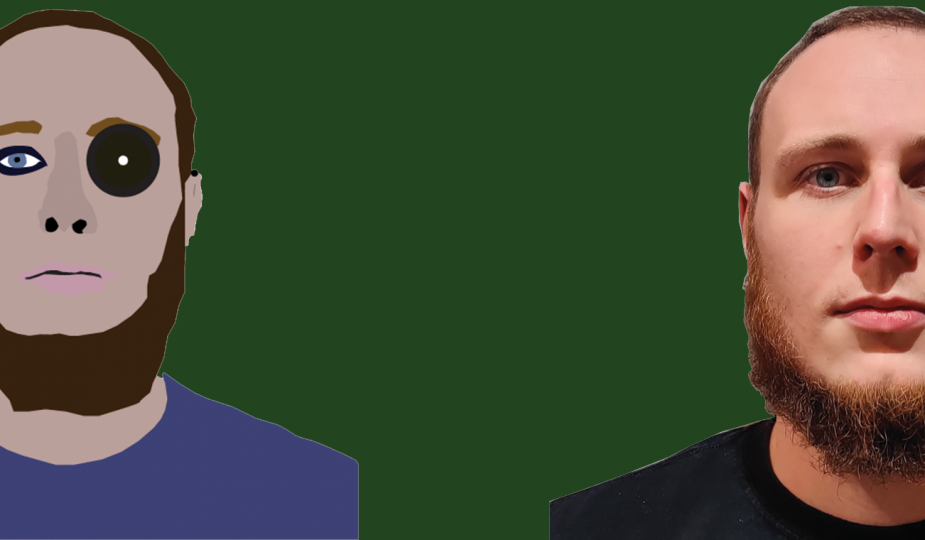
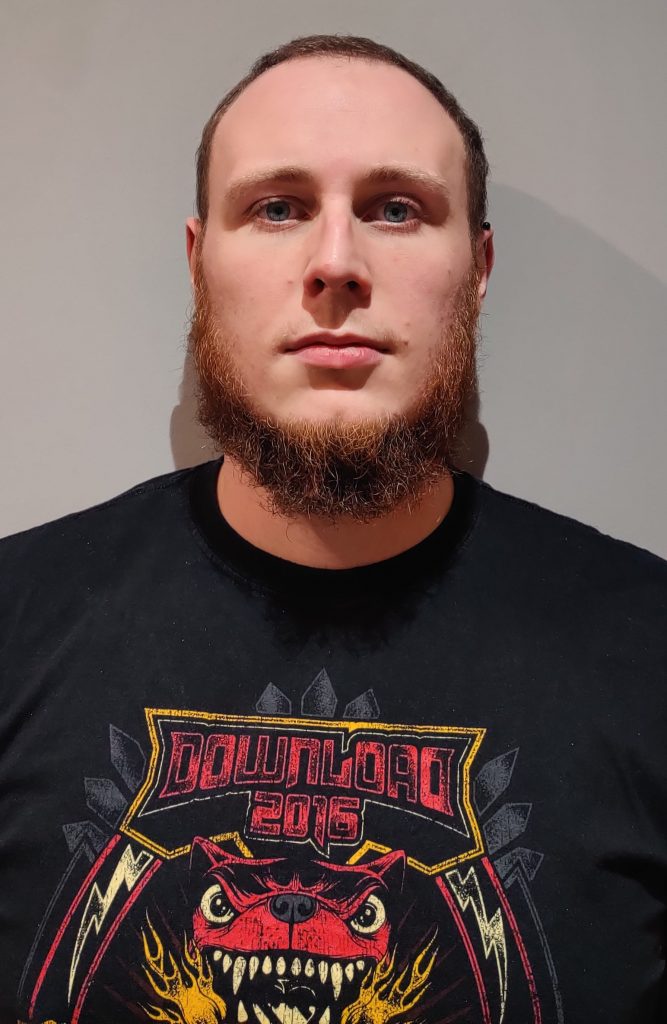
To create this image in Adobe Illustrator I got my housemate to take a photo of my face at a slightly lower angle than myself. From here I imported it into Illustrator and started adding vector shapes to the contours of my face.
When deciding which features to highlight I decided to vastly reduce the complexity of my facial structure such as the bags under my eyes and a variety of marks/ spots. I chose a simplistic colour pallet throughout to ensure that the design wasn’t cluttered and makes each feature of my face easily identifiable. For the nose, on the advice of my tutor i reduced that to a shape with no outline to give the impression of depth.
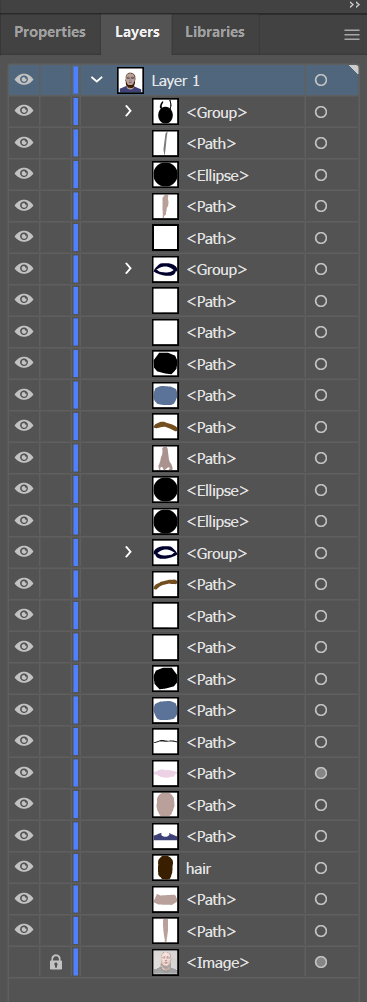
I attempted to add texture to my beard and hair but due to the wiriness of it at points and the multitude of colours this proved to be messy when attempting to add this detail. In future efforts I will attempt to learn how to accurately add these details without overly complicating the design.