This is the best version of creating a mug in Maya that I have attempted so far. It starts with a basic Polygon Cylinder to provide the general shape of a mug. A pair of Edge loops are then added to the top and bottom to divide the polygons further which make it easier to manipulate later when adding the handle.
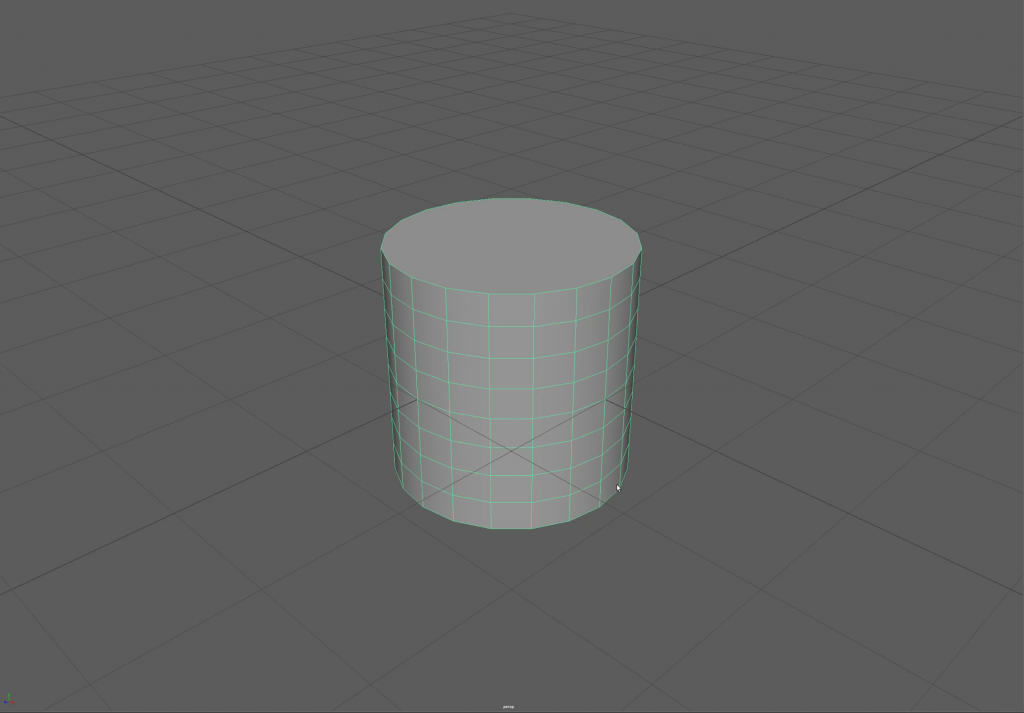
Polygon Cylinder 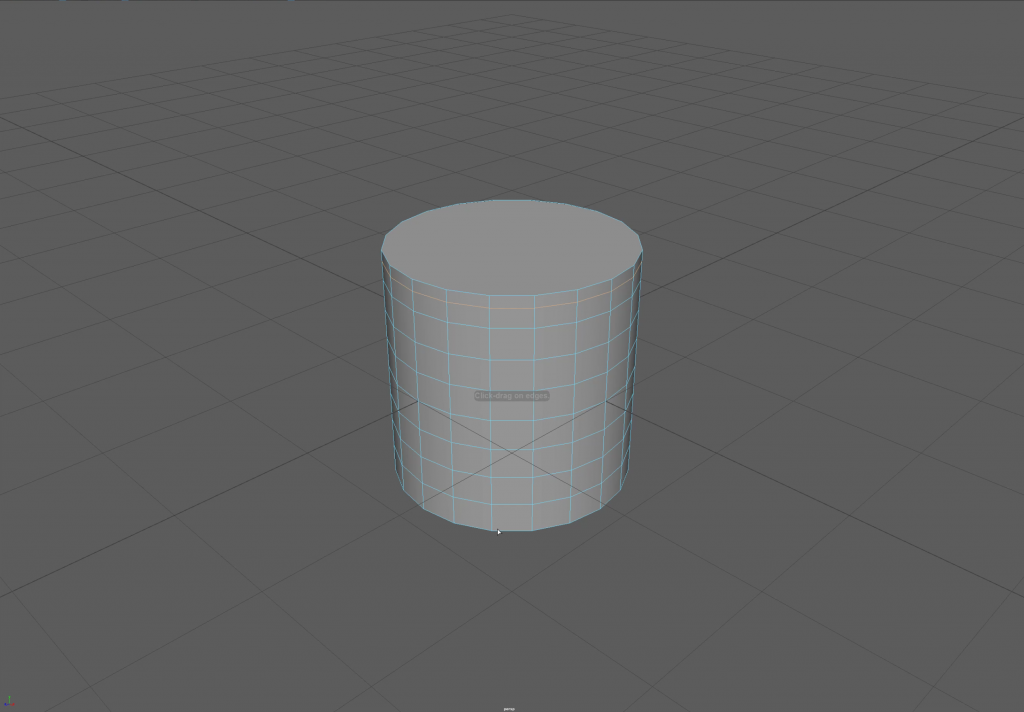
Edge Loops
After switching to the face tool the top of the cylinder is then removed and extruded to create thicker sides on all faces.
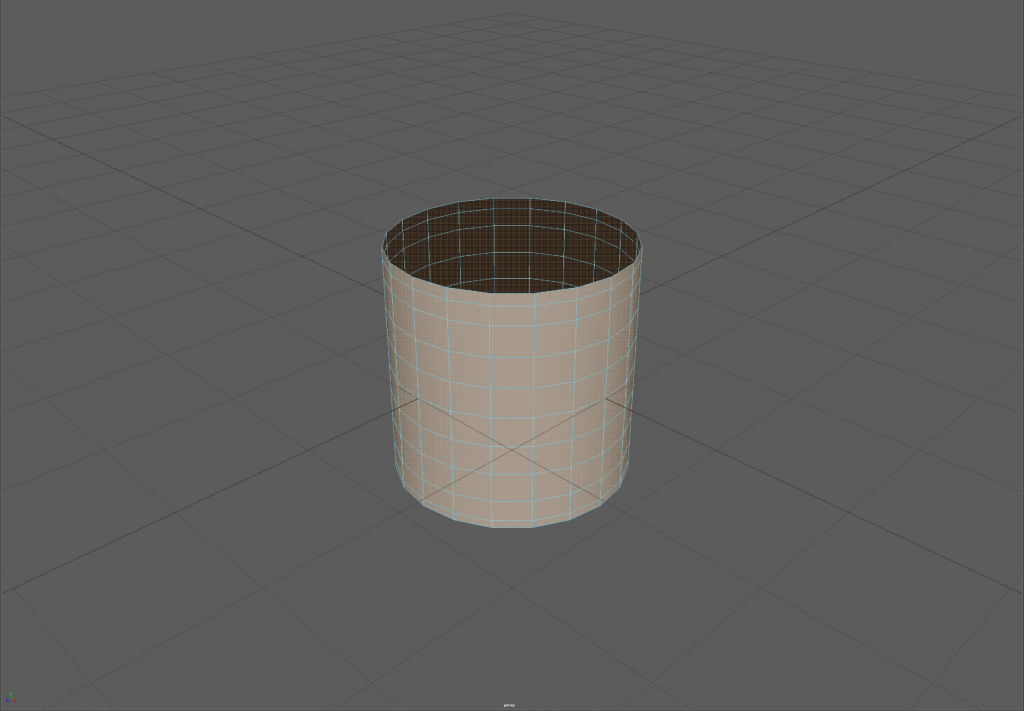
Top removed 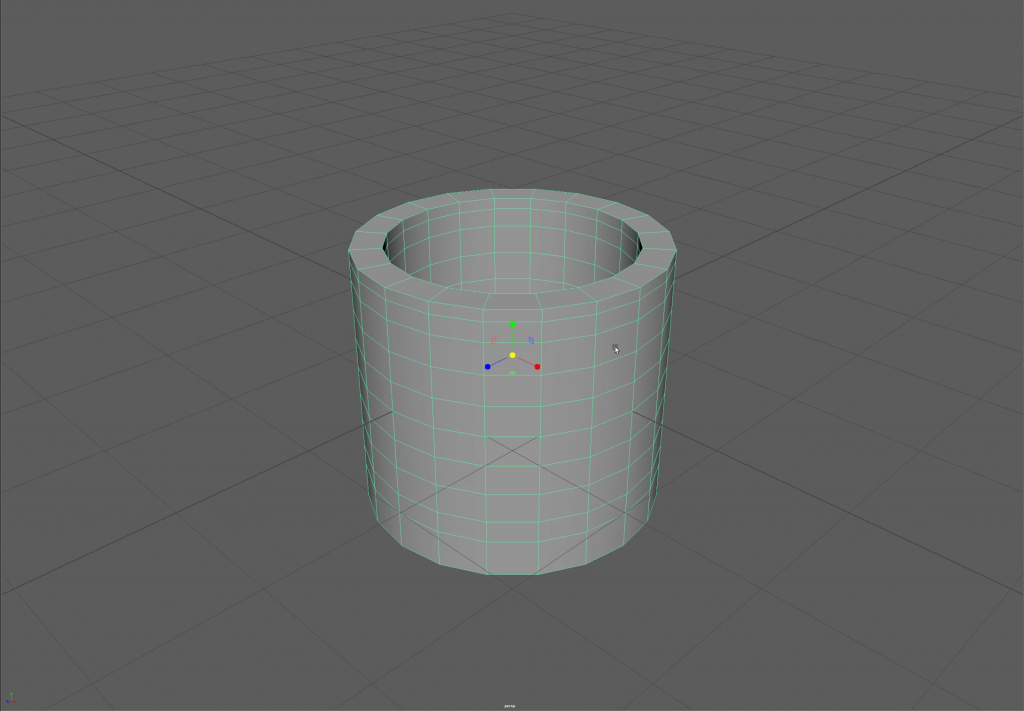
Extruded to 0.25
To ensure that the mug has a standardised circular shape all around I switched to the Z plane view and selected most of the vertices to stretch and pull them into a rounder shape.
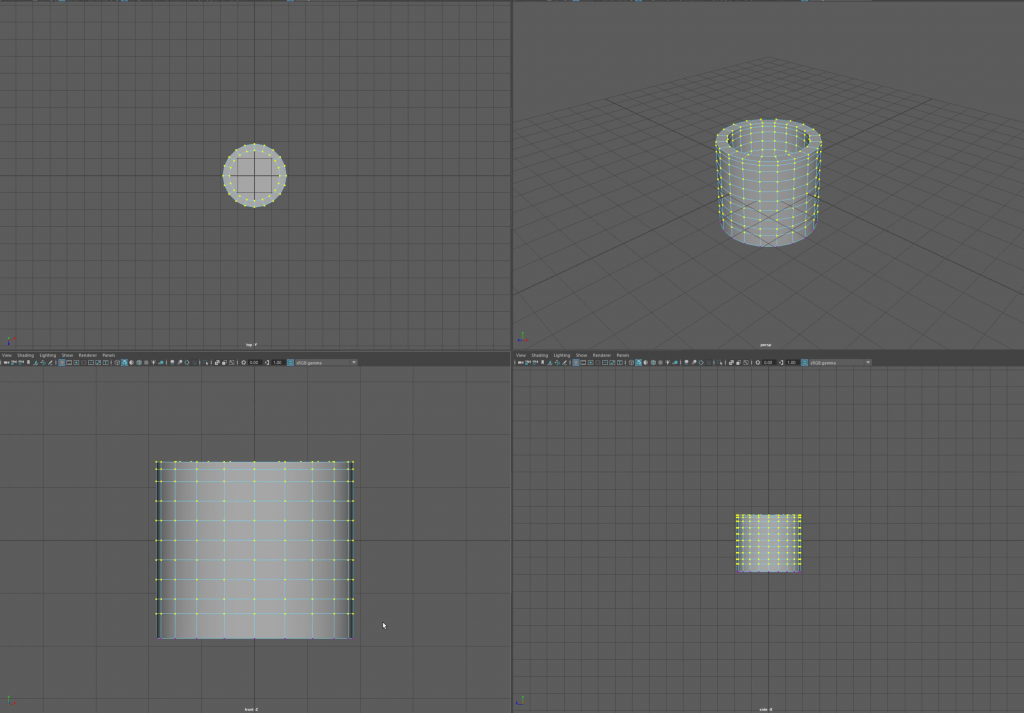
X plane view 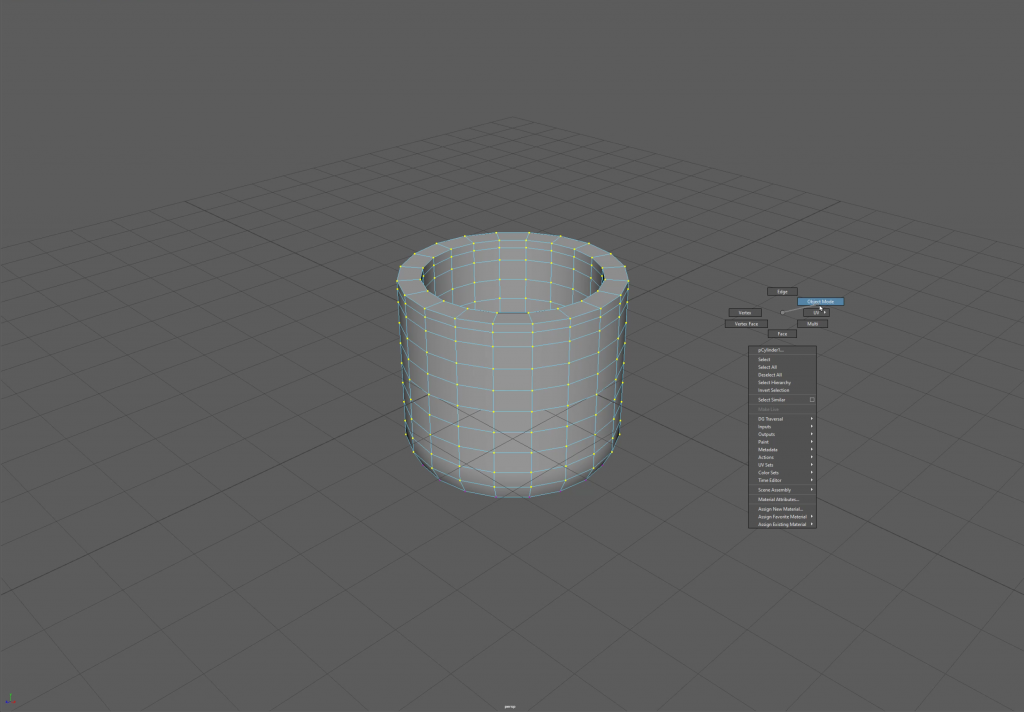
After stretching the polygons
The mug now has its basic shape and requires a handle. This is easily achieved with the Polygon Taurus as it can easily modified to create a handle. By increasing the radius of the shape it creates a better circle and by reducing the subdivisions height it allowed for the handle to match the body of the mug far easier as it has an equivalent number a vertex points when merging.
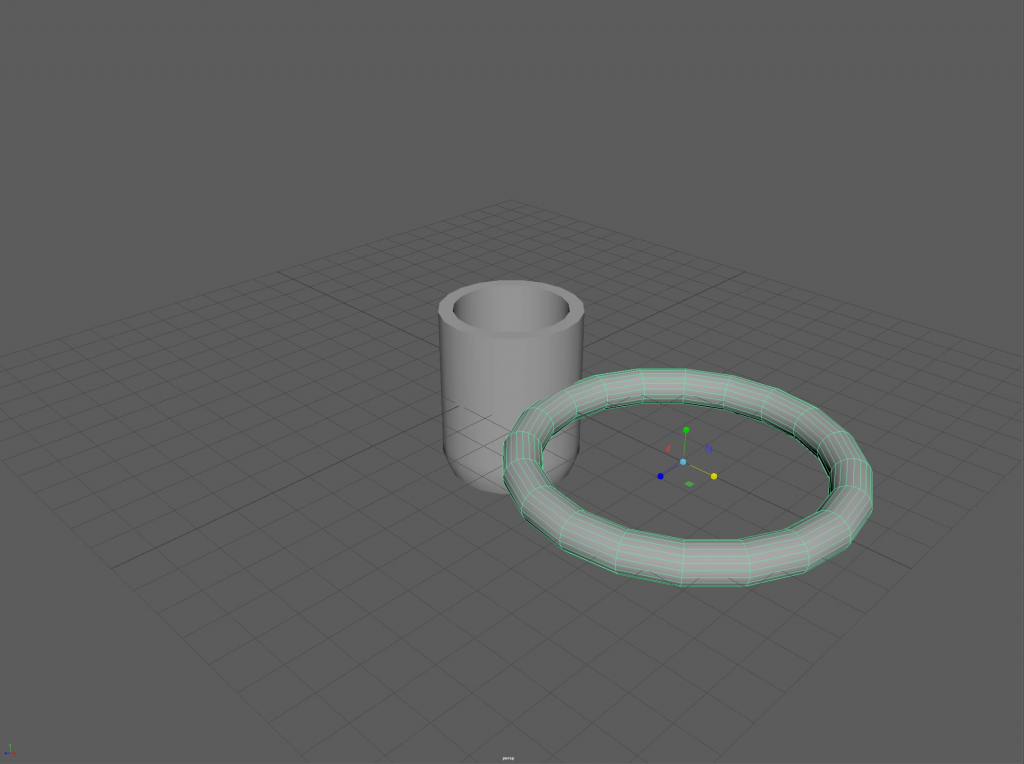
Stretching the Taurus 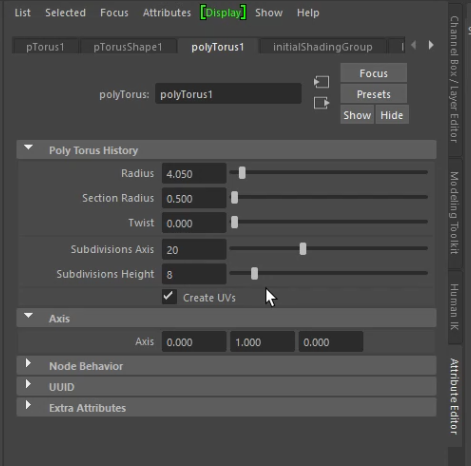
The Taurus values menu
By removing half of the faces in the Y perspective view it creates a handle to be fixed to the mug which results in a cleaner face than if it were to be done in perspective mode. All that remains for this step is to ensure that the handle will fit well on the body of the mug when those faces are removed from the body ready to merge them together.
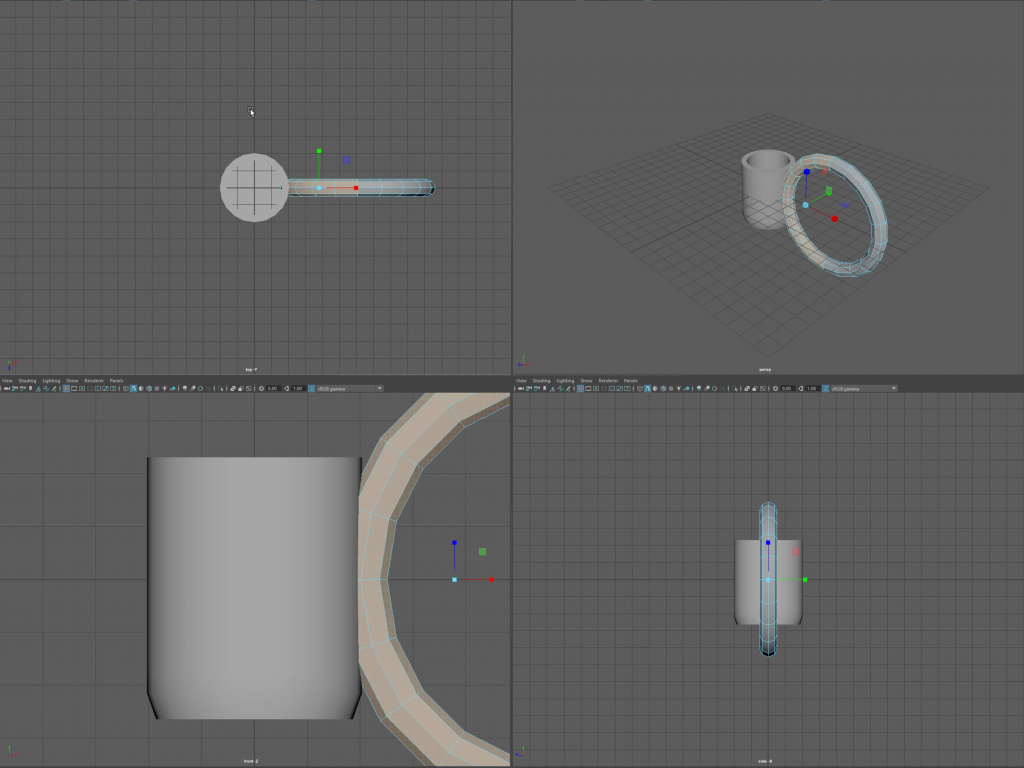
Y Perspective 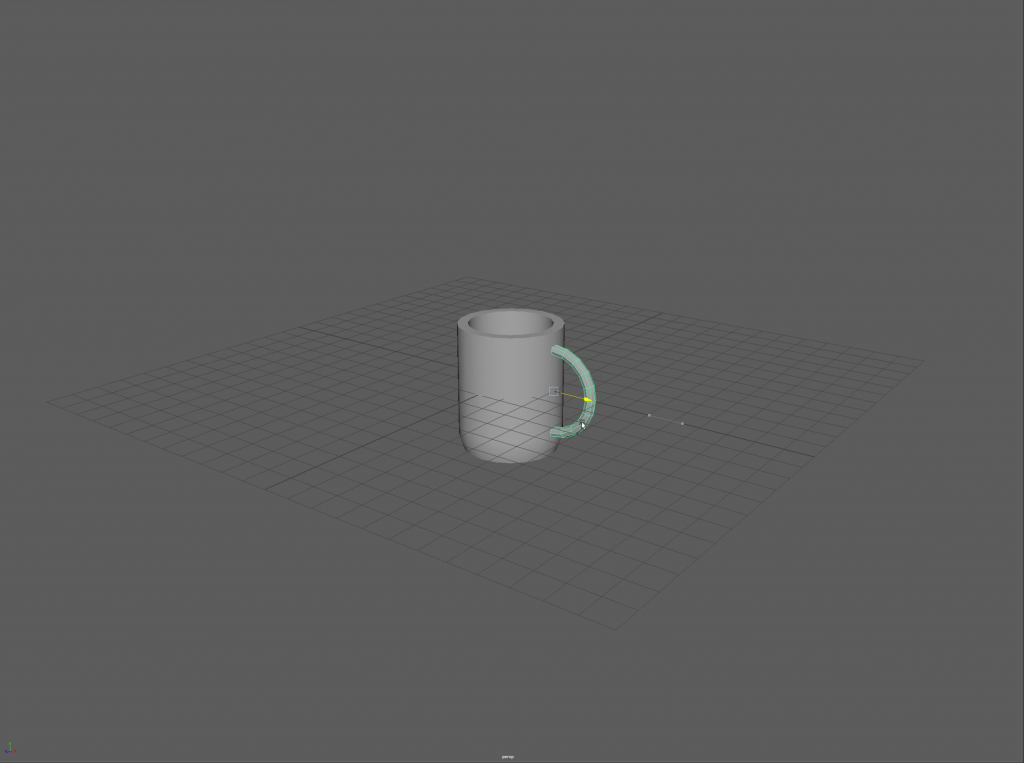
All lined up!
The faces are removed from the body of the mug and the two pieces are combined into one from the combine mesh tool. I moved the Polygons around at this stage to try and minimise the potential for strange visual issues such as shadowing and out of place curves.
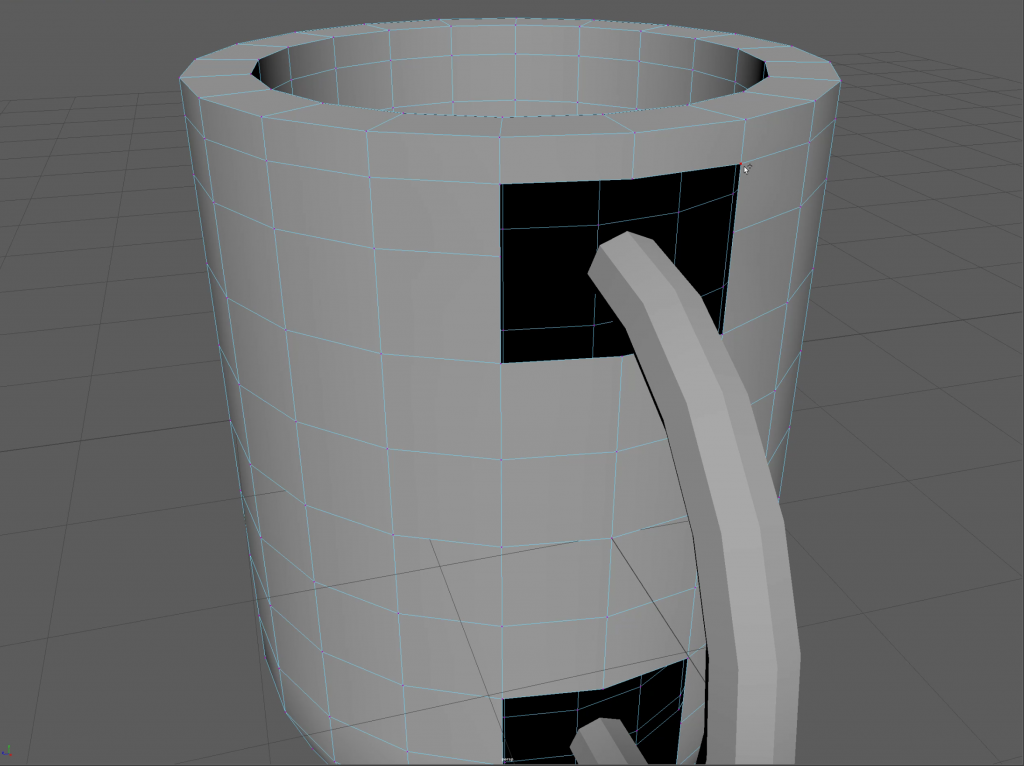
Removing the faces 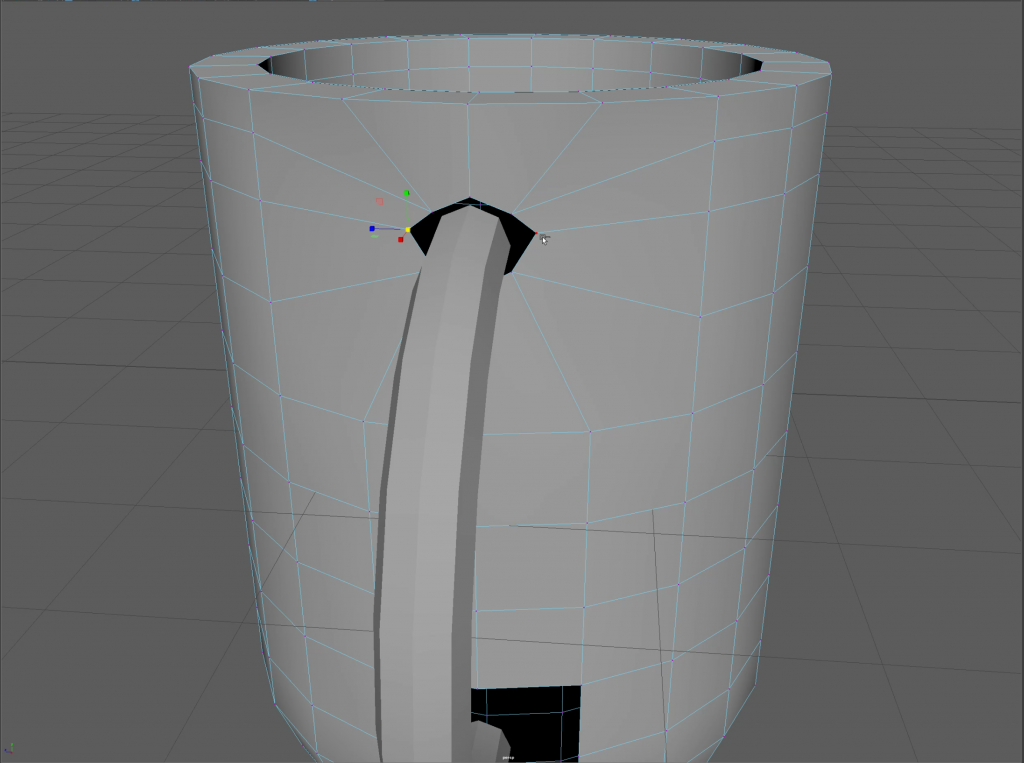
Resizing the polygons
From here I decided to merge the closest vertexes together one by one as the tolerances were prone to creating horrible jagged edges and faces which did not flow well.
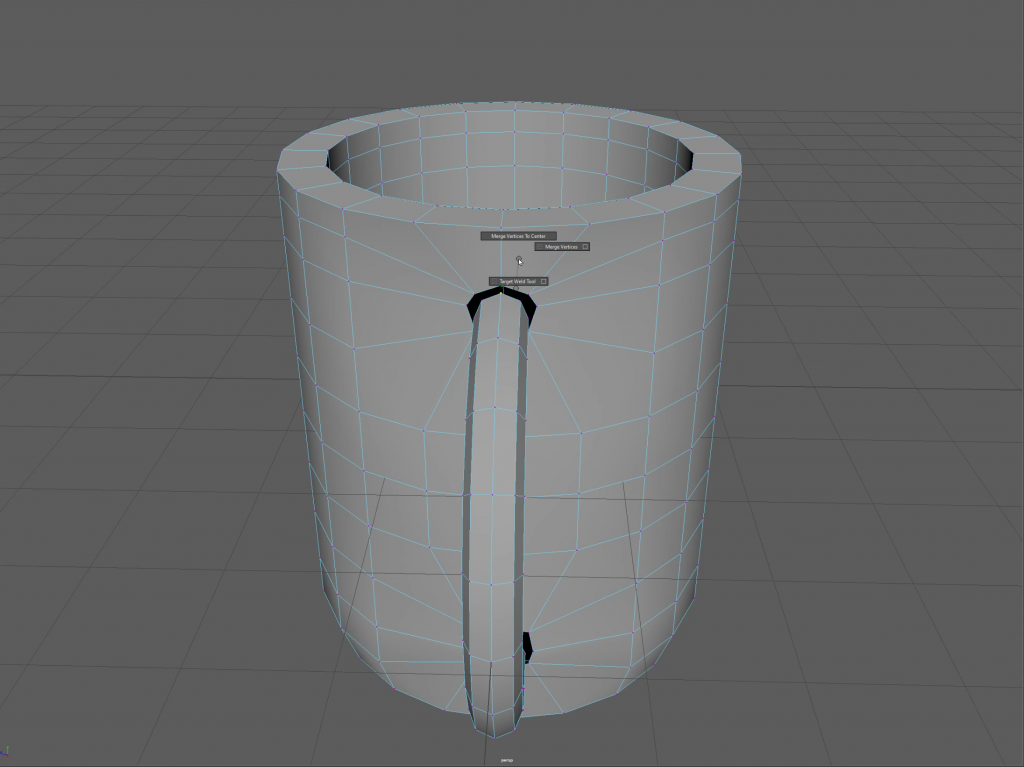
Merging to centre 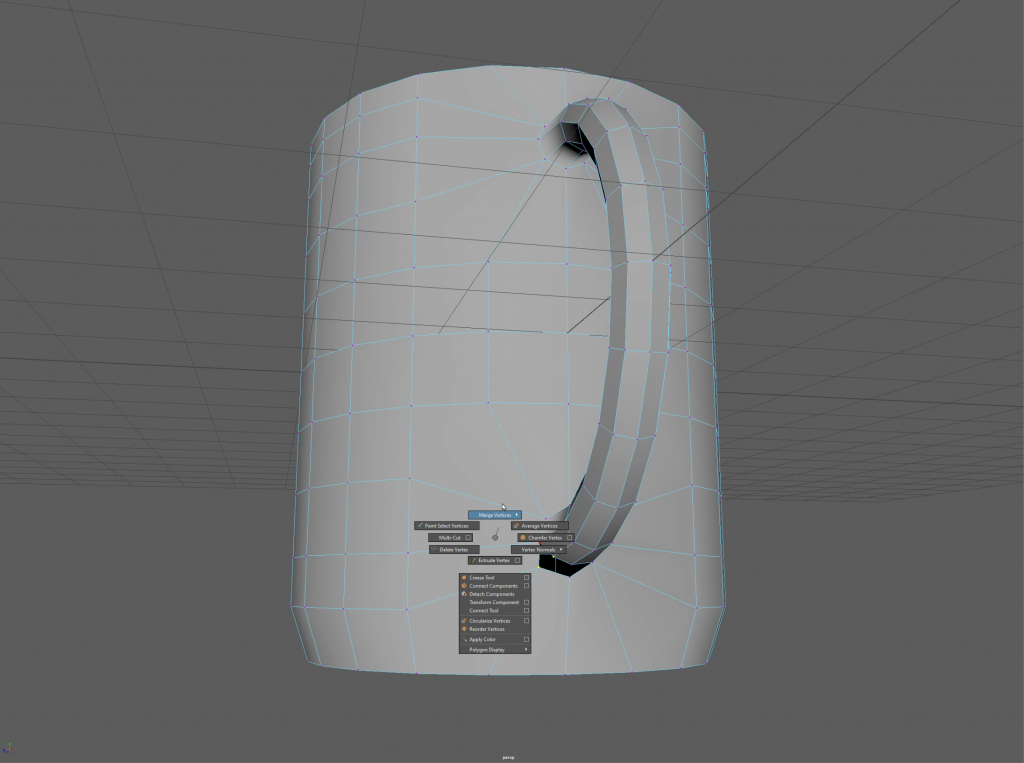
Finishing the merges
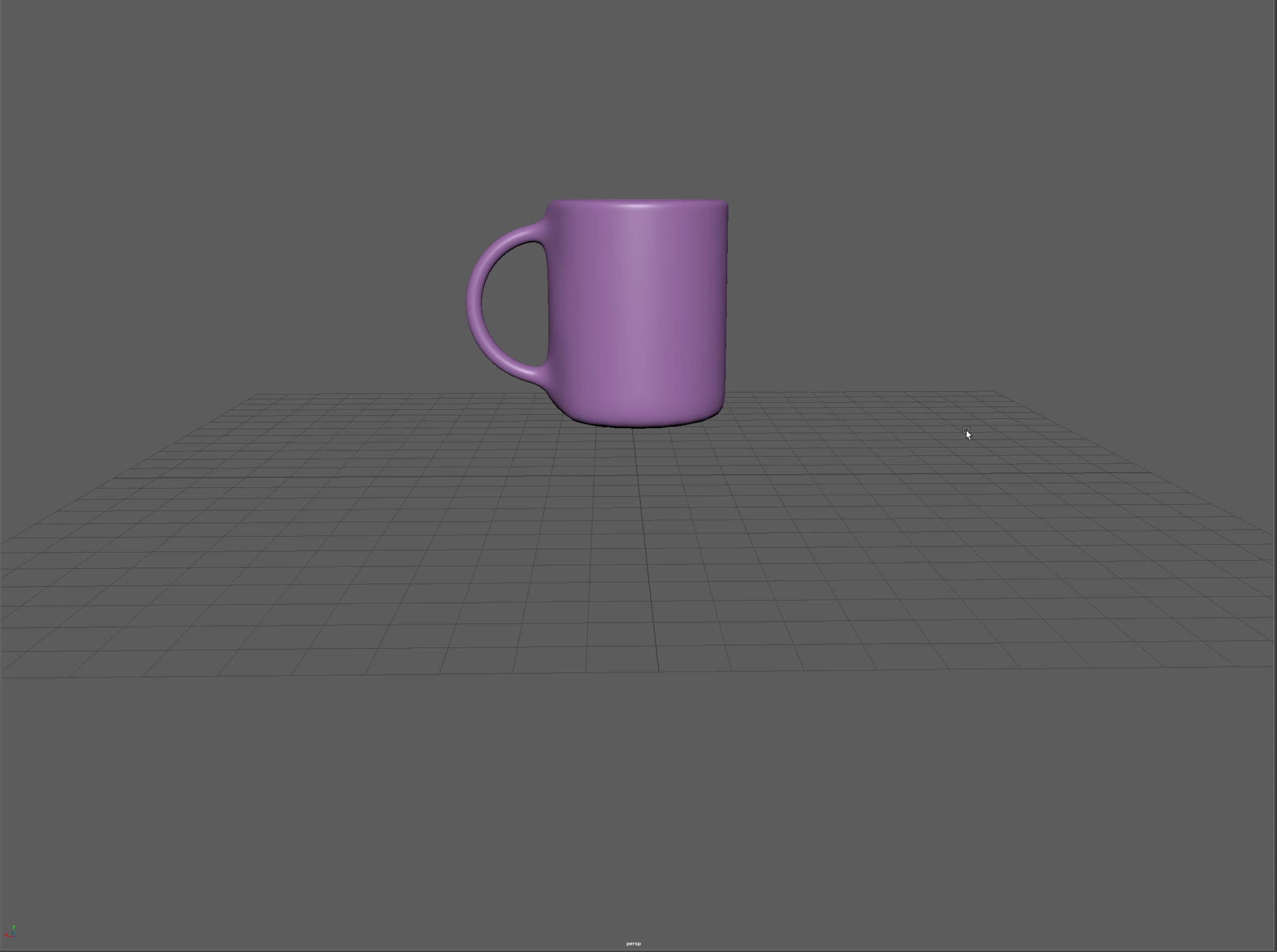
Finally, I decided to apply a texture to the finished model. I chose a purple Blinn as it allows for many options regarding lighting, opacity and transparency. This is the the best version of a mug I have managed to create so far however I have run into a number of issues while learning this process.
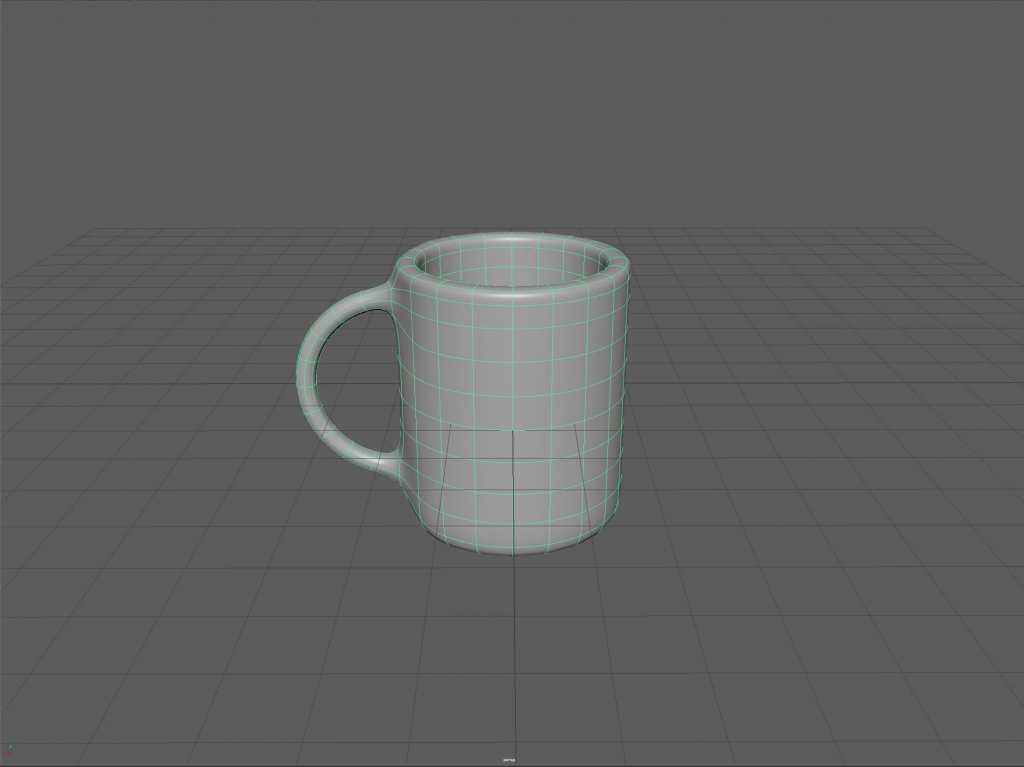
Basic cup / No texture 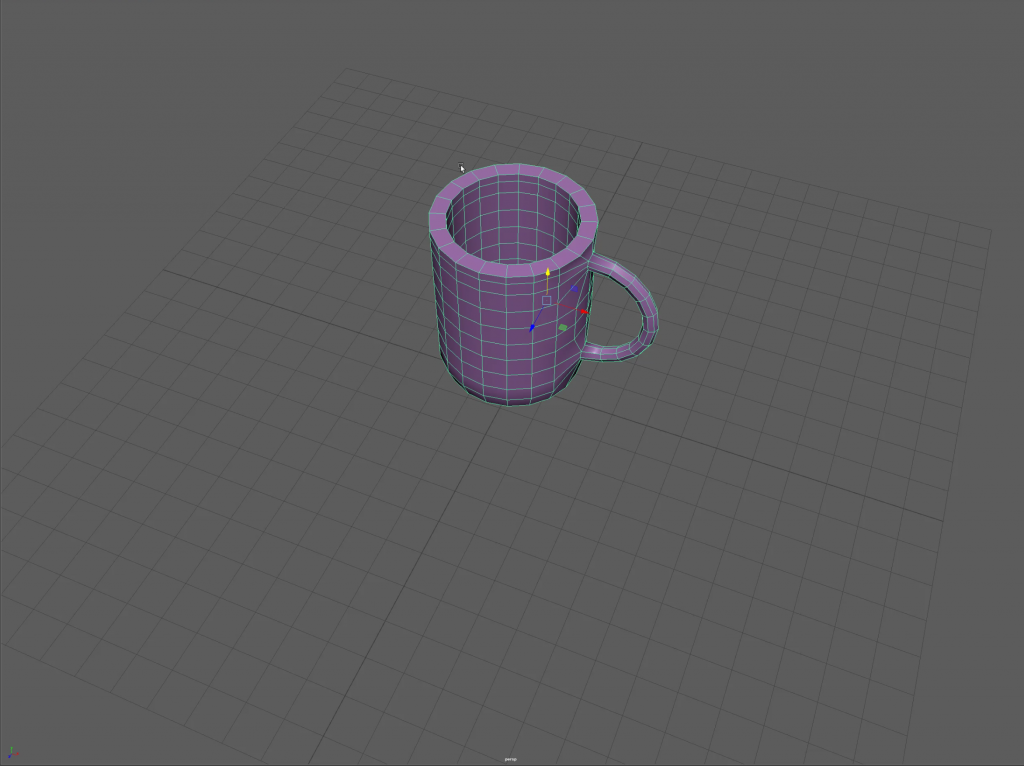
Wireframe low quality 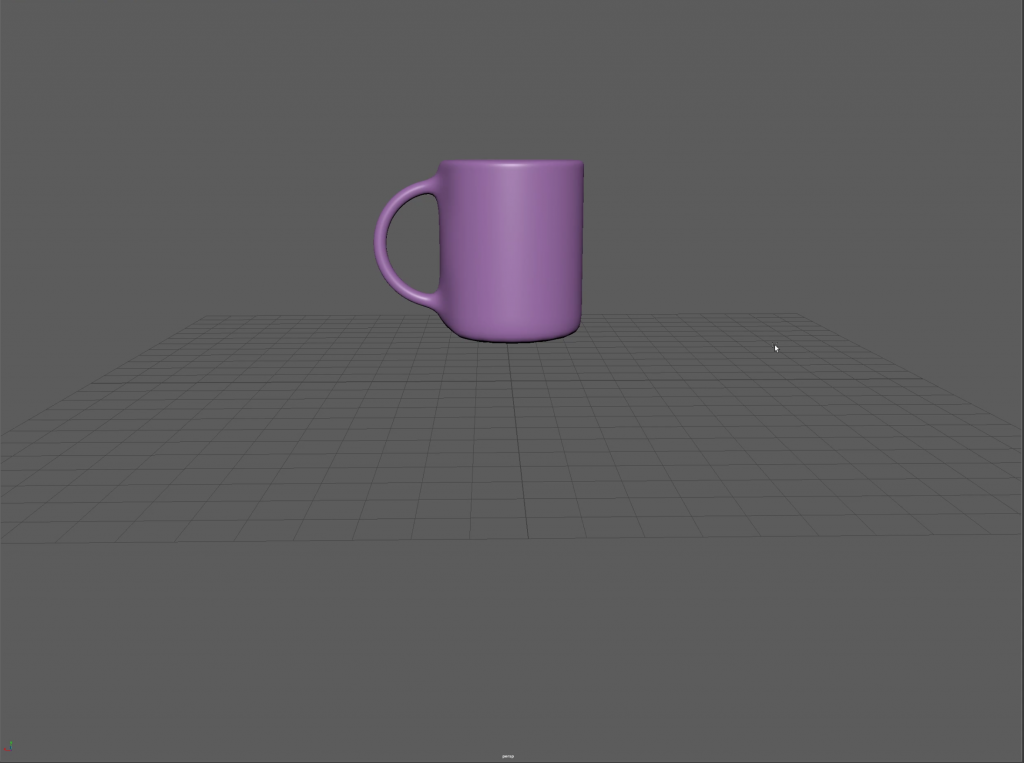
Higher quality visuals
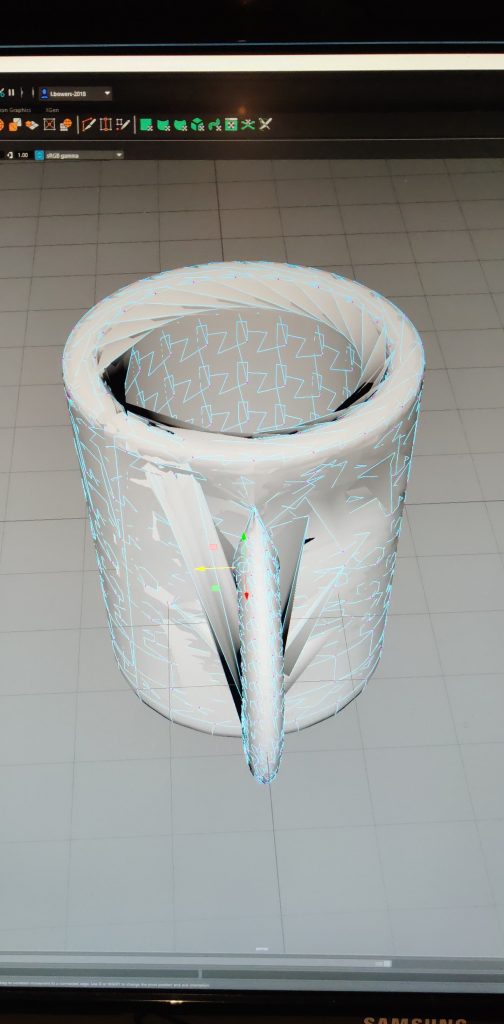
In an earlier attempt to create the mug I got as far as the merging the two items stage but I found myself unhappy with how the handle sat on the mug and tried to move the polygons after the fact. This caused the whole mug to lose its shape and completely disjoint all of the polygons that were present on the item.